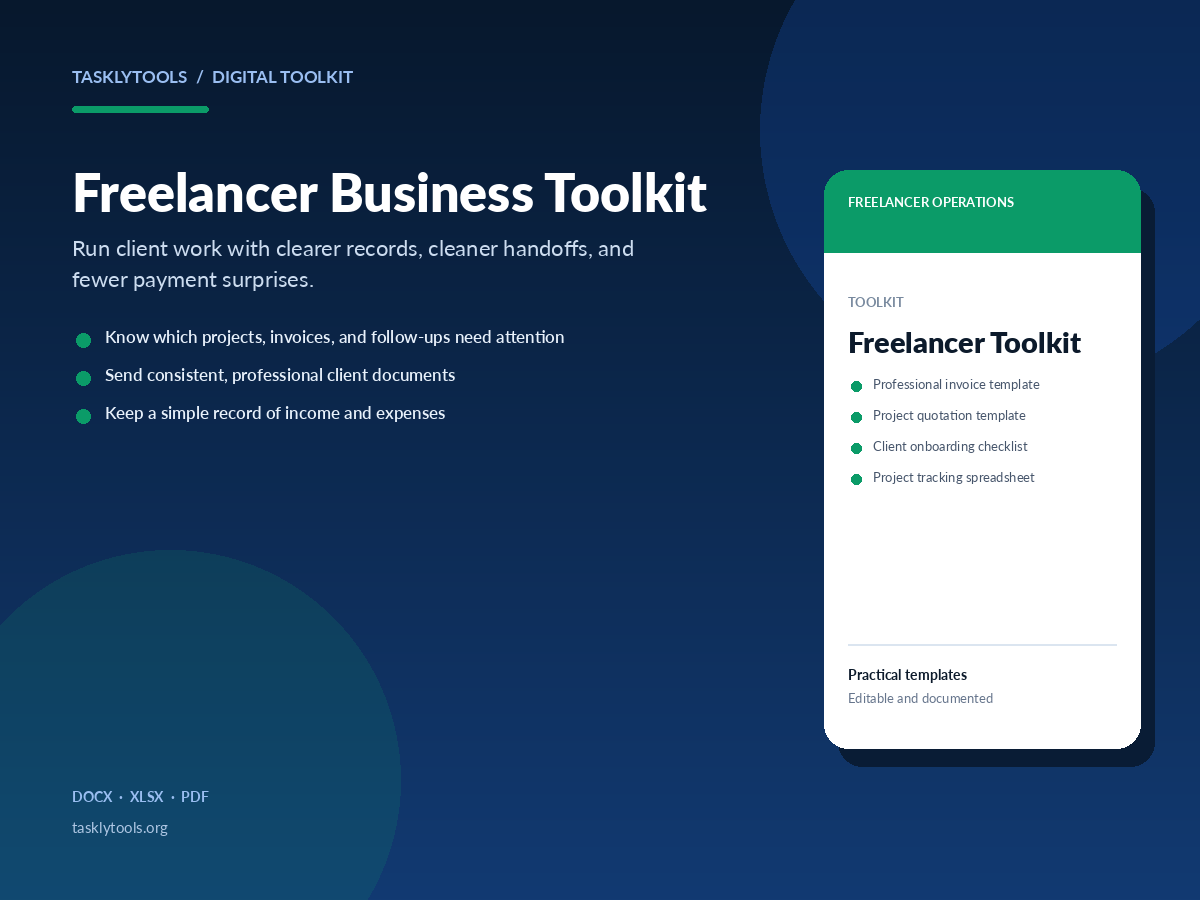
Run client work with clearer records, cleaner handoffs, and fewer payment surprises.
A practical set of templates for freelancers who want their client work to feel organized from first enquiry to final payment. Track projects, send professional invoices, onboard clients consistently, and keep income and expenses in one place.
Know which projects, invoices, and follow-ups need attention
Lemon Squeezy checkout is not connected yet. No payment can be taken.
DOCXXLSXPDF
Overview
A practical back office for solo client work
Freelance work often breaks down in the gaps between doing the work and running the business: the quote that never gets followed up, the project details spread across email, or the invoice that is sent late because the tracker is out of date.
This toolkit gives those tasks a simple home. You get editable documents for the client-facing moments and spreadsheets for the records you need to keep. Nothing requires a new platform, a subscription, or a complicated setup.
What this helps you do
Create a professional invoice and quotation without rebuilding the layout each time
Use one onboarding checklist so every client gets the same clear start
See project status, invoice status, and payment follow-ups in one place
Keep a straightforward record of income and expenses for your own review
Who it is for
Solo freelancers and independent consultants
Designers, developers, writers, marketers, and other service providers
Freelancers who handle their own admin and client communication
Contents
What is included
Every file is editable where the format allows. The PDF guide explains the setup and a repeatable workflow.
Professional invoice template (DOCX)
Project quotation template (DOCX)
Client onboarding checklist (DOCX)
Project tracking spreadsheet (XLSX)
Income and expense tracker (XLSX)
Payment follow-up email scripts (DOCX)
Client information form (DOCX)
Step-by-step usage guide (PDF)
Preview
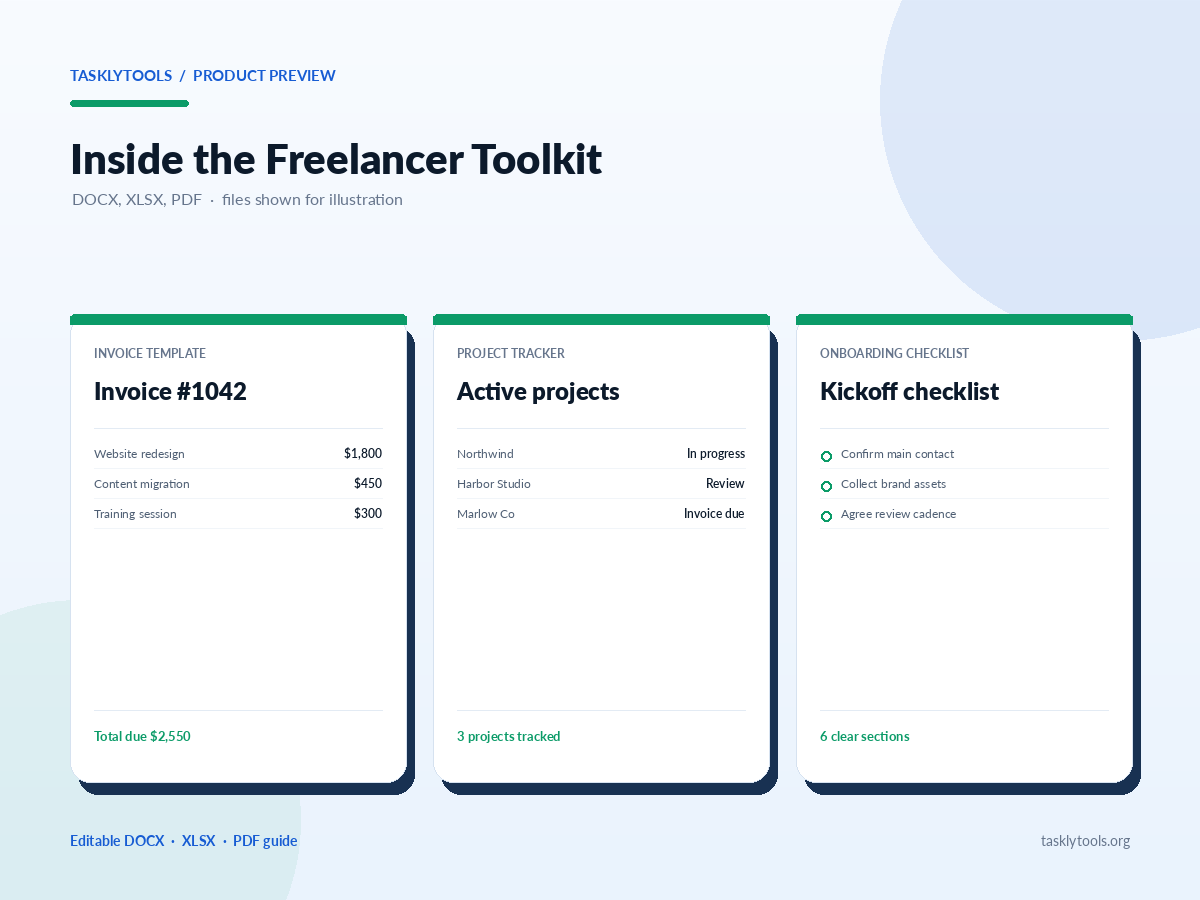
A look inside the toolkit
Invoice template
Invoice #1042Due in 14 days
Website redesign · 50% deposit$1,800.00
Content migration$450.00
Training session$300.00
Total due $2,550.00
Project tracker
Active projectsThis month
Northwind · WebsiteIn progress
Harbor Studio · Brand kitAwaiting review
Marlow Co · RetainerInvoice due
3 projects · 1 follow-up
Client onboarding
Kickoff checklist6 sections
Confirm main contact and approval process
Collect brand assets and account access
Agree communication and review cadence
Income and expenses
Monthly summarySimple view
Client income$6,400.00
Software and tools$210.00
Contractors$1,150.00
Net $5,040.00
How to use it
A simple way to get started
1. Read the guide firstOpen the PDF guide and skim the file inventory, setup notes, and suggested workflow before editing anything.
2. Add your business detailsReplace the bracketed placeholders in the Word templates with your business name, contact details, payment terms, and standard notes.
3. Set up the trackersOpen the project and income spreadsheets, clear the sample rows, and add your current clients and projects.
4. Use the follow-up scriptsAdapt the payment email wording to your tone, then save the versions you use most often.
Package contents
Files included in this toolkit
The complete ZIP pack is delivered through Lemon Squeezy after purchase. Paid files are not linked publicly; this list shows what is included.
Read-first usage guidePDF
Invoice templateDOCX
Project quotation templateDOCX
Client onboarding checklistDOCX
Payment follow-up emailsDOCX
Client information formDOCX
Project tracking spreadsheetXLSX
Income and expense trackerXLSX
Licence: Use these files in your own business and adapt them for your own client work. Do not resell or redistribute the templates as templates. The files are practical tools, not legal, tax, accounting, or financial advice.
Questions
Freelancer Toolkit questions
Are the templates editable?
Yes. The Word documents are editable in Microsoft Word, Google Docs, and other tools that support DOCX files. The spreadsheets are editable in Microsoft Excel, Google Sheets, and compatible spreadsheet apps.
Do I need accounting software?
No. The trackers are intentionally simple so you can use them on their own. If you already use accounting software, you can still use the client documents and project tracker alongside it.
Can I use the templates for client work?
You can use the documents and spreadsheets in your own freelance business and adapt them for your client engagements. Do not resell or redistribute the templates as templates.
What is included in the toolkit?
The toolkit is delivered as one ZIP pack through Lemon Squeezy after purchase. The pack includes the PDF usage guide, five Word documents, and two Excel workbooks.
Related guides
Use the templates with a clearer process
These free guides explain the invoicing, payment, and pricing decisions behind the files in the toolkit.