Small business finance toolkit

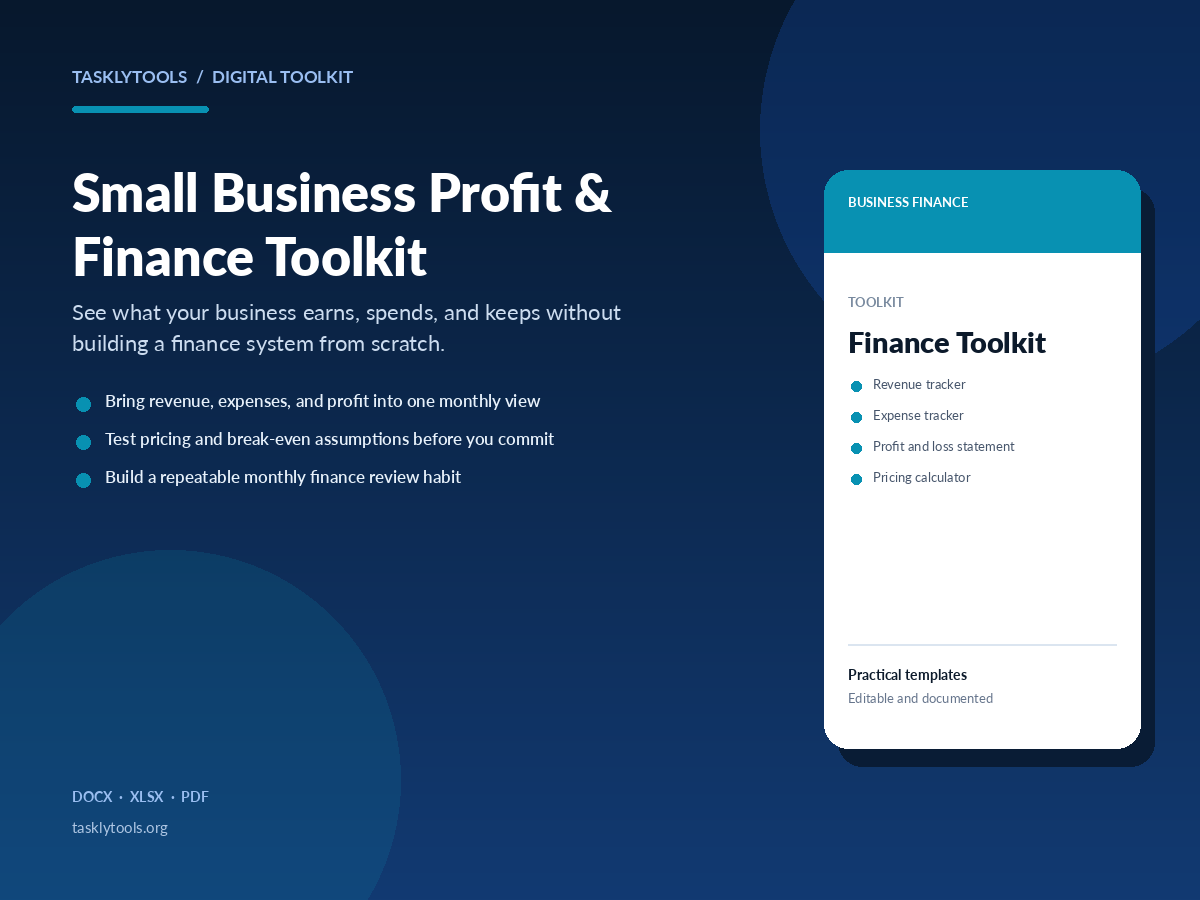
Small Business Profit & Finance Toolkit

See what your business earns, spends, and keeps without building a finance system from scratch.

A practical finance toolkit for small business owners and solo operators. Track revenue and expenses, review profit and loss, test pricing assumptions, and understand your break-even point using clear, editable spreadsheets.

  • Bring revenue, expenses, and profit into one monthly view
  • Test pricing and break-even assumptions before you commit
  • Build a repeatable monthly finance review habit
$39 USDone-time See what's included

Lemon Squeezy checkout is not connected yet. No payment can be taken.
XLSX DOCX PDF
Small Business Profit and Finance Toolkit product cover with finance dashboard previews
Overview

Know the numbers behind your business

You do not need a complex finance stack to understand a small business. You need a consistent way to record income and costs, a profit and loss view you can read, and a few models that answer practical questions before you make a decision.

This toolkit keeps the structure clear and the inputs visible. Use it to track the month, test a price change, estimate a break-even point, and build a short review routine you can repeat.

What this helps you do

  • Record revenue and expenses without mixing them into one unstructured list
  • See gross profit, operating costs, and net profit in a monthly format
  • Test a price, cost, or volume change before applying it to the business
  • Use a monthly checklist so the numbers get reviewed instead of ignored

Who it is for

  • Small business owners who manage their own numbers
  • Solo operators and early-stage service businesses
  • Freelancers who want a clearer financial routine as they grow
Contents

What is included

Every file is editable where the format allows. The PDF guide explains the setup and a repeatable workflow.
  • Revenue tracker (XLSX)
  • Expense tracker (XLSX)
  • Profit and loss statement (XLSX)
  • Pricing calculator (XLSX)
  • Break-even calculator (XLSX)
  • Monthly financial review checklist (DOCX)
  • Step-by-step usage guide (PDF)
Preview

A look inside the toolkit

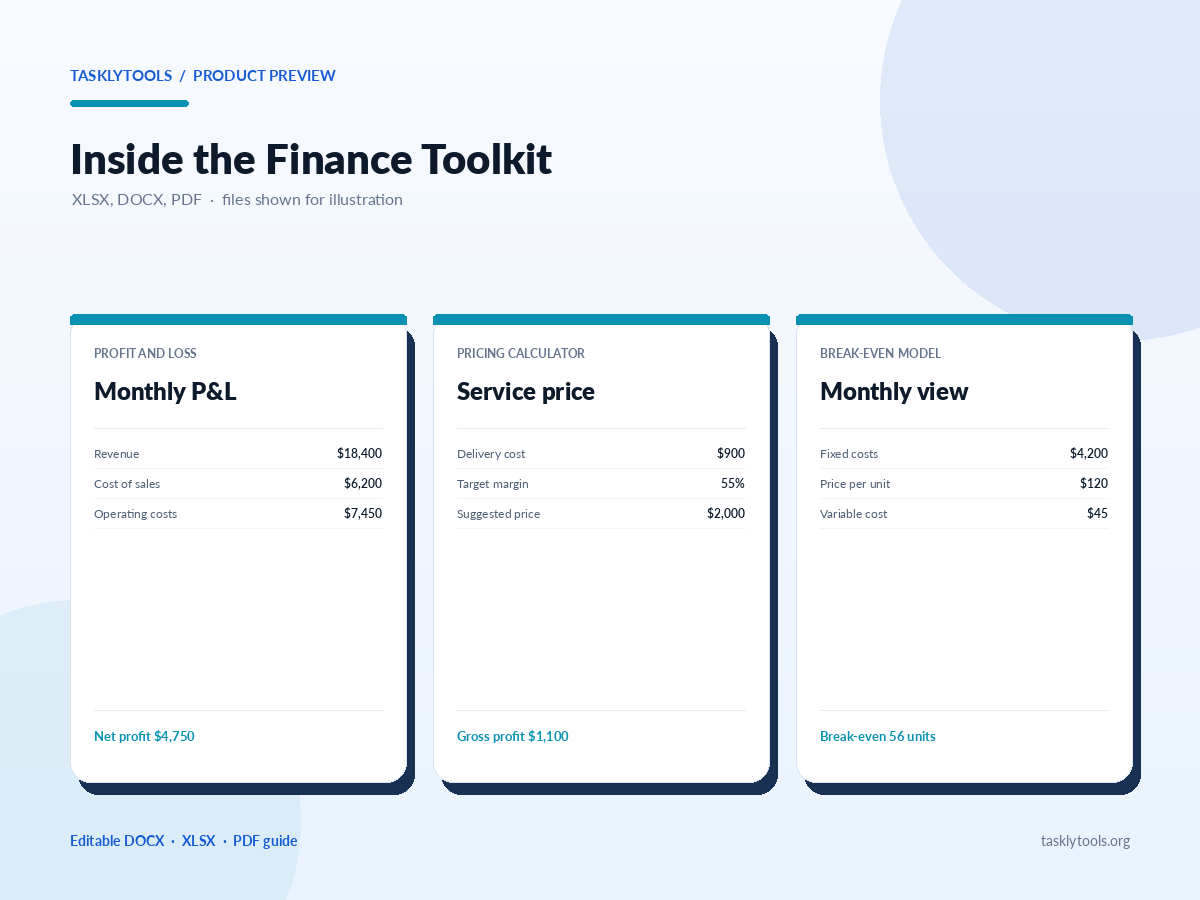
Preview of profit and loss and break-even templates from the finance toolkit
Profit and loss
Monthly P&LSample month
  • Revenue$18,400
  • Cost of sales$6,200
  • Gross profit$12,200
  • Operating expenses$7,450
Net profit $4,750
Revenue and expenses
Monthly summary3 months
  • Revenue total$54,900
  • Expense total$31,600
  • Average margin42.4%
Review ready
Pricing calculator
Service priceTarget margin 55%
  • Delivery cost$900
  • Target price$2,000
  • Gross profit$1,100
Margin 55.0%
Break-even
Break-even modelMonthly
  • Fixed costs$4,200
  • Price per unit$120
  • Variable cost$45
Break-even 56 units
How to use it

A simple way to get started

  1. 1. Start with the guideRead the file inventory and the suggested monthly workflow before opening the spreadsheets.
  2. 2. Enter a test monthUse one recent month of real figures to understand how the trackers and P&L flow together.
  3. 3. Update the assumptionsAdjust the pricing and break-even inputs to match your own costs, prices, and volume.
  4. 4. Schedule the reviewPut a short monthly review on your calendar and use the checklist to keep it consistent.
Package contents

Files included in this toolkit

The complete ZIP pack is delivered through Lemon Squeezy after purchase. Paid files are not linked publicly; this list shows what is included.

  • Read-first usage guide PDF
  • Revenue tracker XLSX
  • Expense tracker XLSX
  • Profit and loss statement XLSX
  • Pricing calculator XLSX
  • Break-even calculator XLSX
  • Monthly financial review checklist DOCX

Licence: Use these files in your own business and adapt them for your own client work. Do not resell or redistribute the templates as templates. The files are practical tools, not legal, tax, accounting, or financial advice.

Questions

Finance Toolkit questions

Do the spreadsheets include formulas?

Yes. The trackers, profit and loss statement, pricing calculator, and break-even model use formulas and sample rows so you can see how the inputs connect. Clear the samples before adding your own data.

Can I use Google Sheets?

The workbooks are XLSX files and can be imported into Google Sheets. Most formulas and formatting carry over, but check the data validation and calculated columns after importing.

Is this a replacement for an accountant?

No. It is a practical record-keeping and planning toolkit, not accounting, tax, or financial advice. Use your accountant or adviser for decisions that depend on your local rules and circumstances.

What is included in the toolkit?

The toolkit is delivered as one ZIP pack through Lemon Squeezy after purchase. The pack includes the PDF guide, five Excel workbooks, and one Word review checklist.

Related guides

Understand the numbers behind the spreadsheets

Use these free guides to review profit, keep cleaner records, and connect the monthly view to a practical decision.

Not sure which toolkit fits?

Compare all three toolkits, or start with the free TasklyTools calculators.

Newsletter

Newsletter

Practical updates for the business side of your work.

Occasional notes about new TasklyTools releases, templates, and useful workflows. No daily noise.

Newsletter delivery is not connected yet. The form checks your details locally.

No email is sent or stored until an email provider is connected.